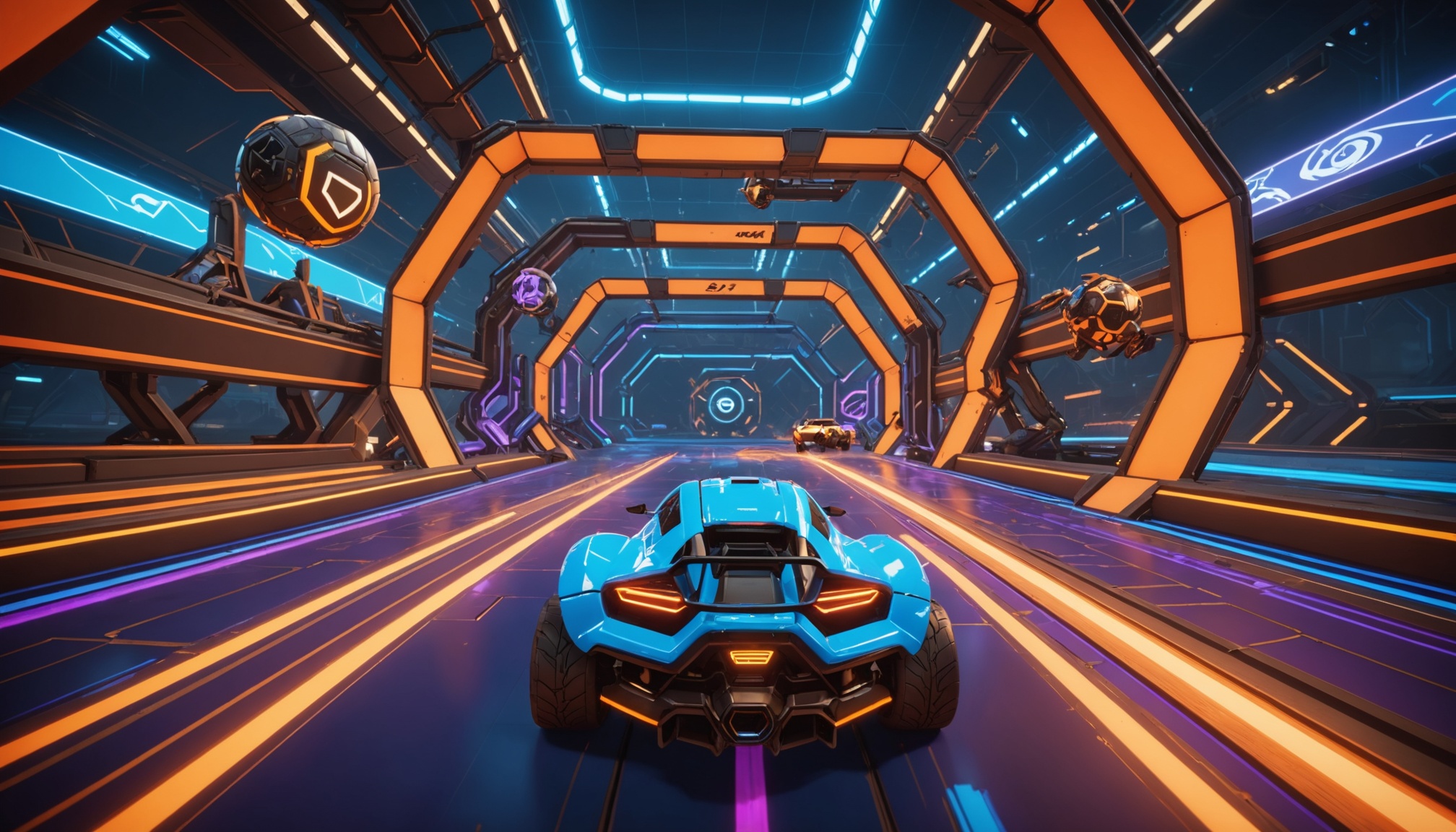
Workshop maps — Dribble Map 4, Wayton Pro, RingsXL, Aerial Trainer, Beach Volleyball — are an underused tool for serious Rocket League improvement. They were also one of the more visible casualties of BakkesMod's shutdown, since the standard loader was a BakkesMod plugin. This guide covers how to play workshop maps in Rocket League in 2026, including on Epic Games (which historically did not support them), using the file-level method that works on the current version.
Quick Context
"Workshop maps" originally referred to user-created maps hosted on the Steam Workshop. Players downloaded them via Steam, and a plugin (BakkesMod's Workshop Mods, mainly) loaded them in the place of standard maps for offline freeplay. Two complications arose over the years:
- Epic Games version of Rocket League can't access Steam Workshop directly.
- BakkesMod's loader stopped working with the April 2026 EAC update.
The solution in 2026 is the same general technique that always worked under the hood: file replacement. The trick is doing it cleanly.
How Workshop Maps Actually Load
Rocket League ships with a set of maps as .upk files in your installation. A workshop map is just a custom .upk file, often renamed to match an existing map (typically Park or Underpass). When the game loads that map slot, it loads the file in that slot — vanilla or replaced. EAC doesn't care about local map files; it only watches the running process.
So: copy the workshop .upk into the right folder under the right name, launch freeplay on the corresponding map, and your custom map loads. Pre-2026, BakkesMod automated this with a UI. Post-2026, you can do it manually or use a tool like RLPeak.
Manual Method (Steam Workshop, Steam Rocket League)
- Subscribe to a workshop map on Steam (e.g., Wayton Pro).
- Steam downloads it to
steamapps/workshop/content/252950/[id]/. - Find the
.udkor.upkfile inside. - Copy it to
SteamLibrary/steamapps/common/rocketleague/TAGame/CookedPCConsole/mods/. Create themodsfolder if it doesn't exist. - Rename it to
Labs_Underpass_P.upk(or whichever map slot you want to replace). - Launch Rocket League → Free Play → choose Underpass (Beta) → workshop map loads.
Reverting: delete the file from mods/ or use Steam's "verify integrity" to restore vanilla.
Epic Games Version: How to Get Workshop Maps
Epic doesn't expose Steam Workshop. The workaround:
- Obtain workshop map files from a vetted community source — typically the map creator's official Discord or the RLPeak community Discord, where current download links are maintained. Avoid unfamiliar aggregator sites.
- Locate your Epic Rocket League folder (commonly
C:\Program Files\Epic Games\rocketleague\). - Navigate to
TAGame/CookedPCConsole/. - Create the
mods/folder and drop the.upkin, renamed to the slot you want to replace. - Launch Rocket League → Free Play → that map slot.
This is the same technique under the hood — Epic players were always able to do this, the BakkesMod plugin just wrapped it.
Best Workshop Maps for Improvement (2026)
- Aerial Trainer — fundamentals for aerial control. Champion-level players still warm up here.
- Wayton Pro — multipurpose mechanic trainer. Diamond+ players' favourite.
- Dribble Map 4 — standard for ground dribbling and flicks.
- RingsXL — air control and rotation under pressure.
- Wayton Pro Tutorial — guided drills for rank-up players.
Pair these with our training pack guide by rank for a complete improvement loop.
Troubleshooting
- Map doesn't load. Check filename casing — must match exactly (e.g.,
Labs_Underpass_P.upk). Some maps replace specific slots only. - Game crashes on map load. Map file may be corrupted or built for an older Rocket League version. Try a different map or redownload.
- Map disappears after game update. Patches sometimes overwrite the
mods/folder. Re-copy after big updates. - Offline use only. Workshop maps are intended for Free Play and private matches. Do not queue ranked or competitive matches with a workshop map active.
Is Loading Workshop Maps Safe?
For Free Play and private matches: yes. You're swapping a local map file with the game closed. EAC verifies process integrity at runtime — it doesn't compare your local map files to a master copy. Don't queue online matchmaking with a workshop map loaded as your active map (it's not designed for that and you'd be playing on an unintended layout).