
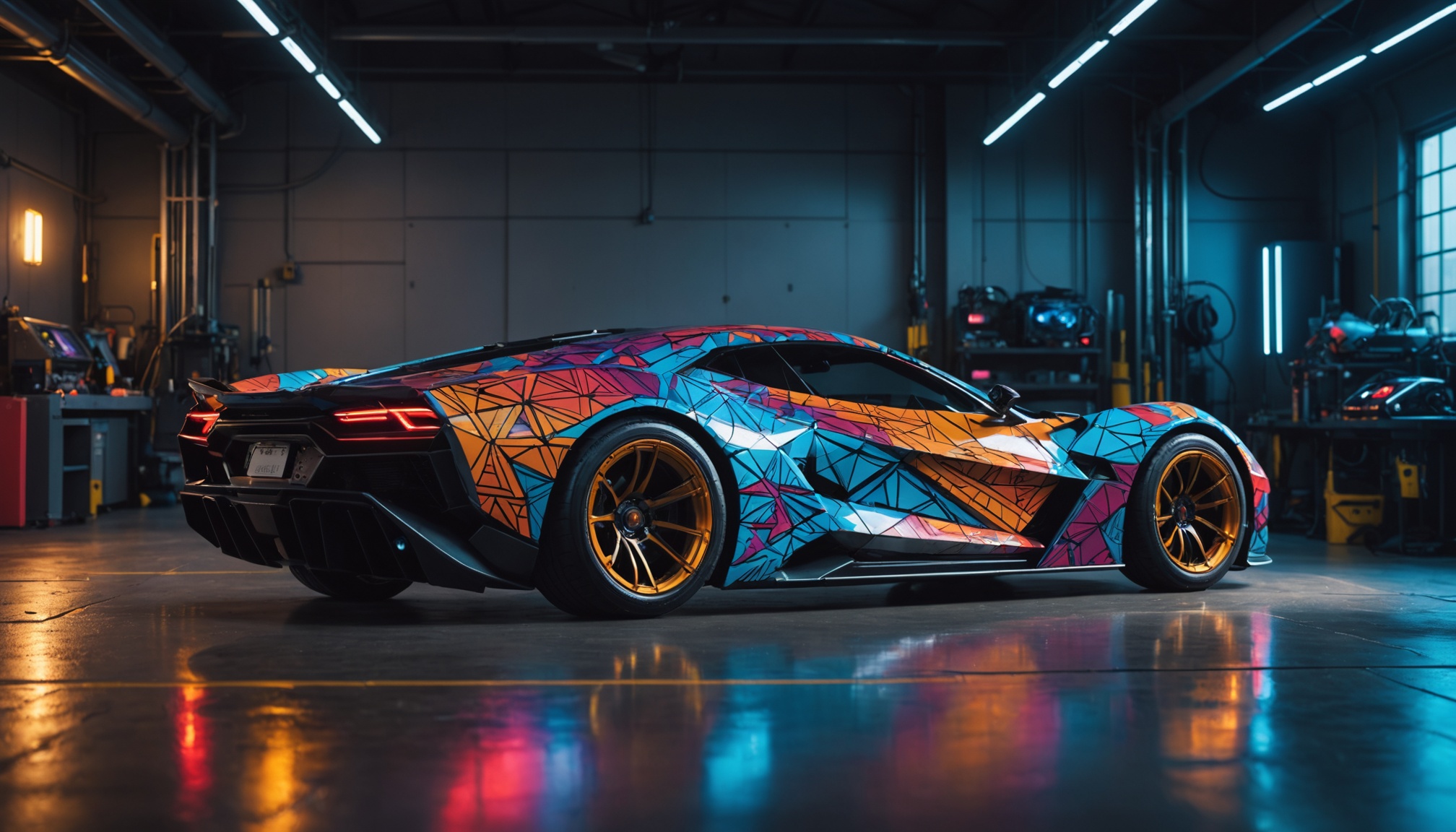
Most published tutorials for installing custom decals in Rocket League predate the April 2026 anti-cheat update and no longer apply. They reference BakkesMod and AlphaConsole — both reliant on the runtime injection that stopped working with the EAC update. This guide covers the current 2026 method for installing custom Rocket League decals: file-level, no injection, no EAC tampering, fully reversible.
Why Old Decal Guides Don't Work Anymore
The legacy workflow was: install BakkesMod → install AlphaConsole as a BakkesMod plugin → drop decal files in a folder → BakkesMod injects them at runtime. Every step in that chain depended on attaching to the running Rocket League process. With BakkesMod ended and EAC tightened, the chain no longer functions in 2026, and a different approach is required.
How Custom Decals Actually Work in 2026
Rocket League stores cosmetic textures and skin definitions as files inside its installation folder. A "custom decal" is a modified version of one of those files. If the swap happens cleanly:
- While the game is closed, with a backup of the original kept
- Targeted at the right car body / slot
- Reversible via the backup or via game file verification
...then the decal will appear in-game without involving the running process or anti-cheat at all. EAC verifies process integrity at runtime; it doesn't compare your local cosmetic files to a master copy.
Step-by-Step: Install Custom Decals with RLPeak
1. Download and install RLPeak
Get the latest release from GitHub. The installer is Microsoft-signed; the SHA-256 hash and a public VirusTotal scan link are on the release page if you want to verify before running it.
2. Launch RLPeak (with Rocket League closed)
RLPeak does its work while the game is closed. On first launch it'll detect your Rocket League installation. If you have multiple copies (Epic + Steam), pick the one you want to mod.
3. Open the Items panel and pick a car
Custom decals are car-body specific — an Octane decal won't apply to a Fennec. Select the body you want to customize from the dropdown.
4. Browse decals and choose
RLPeak ships with a built-in catalog of community decals plus support for importing your own. Hover for previews; click to select.
5. Click Apply
RLPeak backs up the original file, downloads the decal asset (only on first use — cached afterwards), and writes it into your Rocket League folder. The whole process takes a few seconds.
6. Launch Rocket League
Boot the game normally through Epic or Steam. EAC starts up as usual. Equip the decal in the Garage and you'll see your custom version applied.
How to Revert (Or Switch Back to Default)
Two clean options:
- RLPeak Reset. Open RLPeak, hit Reset. Originals restored from backup.
- Game file verification. Use Epic / Steam's "verify game files" feature. The launcher will redownload any modified files from Psyonix's servers.
Either path returns your installation to a fully vanilla state.
Troubleshooting
- Decal doesn't show in-game. Confirm you applied it to the correct car body. Some decals are universal; others are body-locked.
- Decal looks low-res. Texture quality in your Rocket League settings affects custom decals. Set textures to High or Ultra.
- Antivirus warning on RLPeak. Some AVs flag freshly signed installers from small publishers. Verify the SHA-256 hash and VirusTotal scan from the release page; whitelist if you're satisfied.
- Game says "files modified" after a Rocket League update. Updates can replace some local files. Re-apply your decal in RLPeak after big game patches.
Importing Your Own Decals
RLPeak supports importing custom decal textures (typically authored in tools like Photoshop or Substance Painter, exported to the appropriate texture format). The current version accepts standard Rocket League decal templates; community-made decal packs are available on our Discord and via GitHub. An expanded community decal browser is on the roadmap.